 Pro Stage
Own the stage.
Pro Stage is a menu-bar app for macOS that floats your camera in a shapeable bubble, keeps your notes at hand, and counts your talk down — over every app, on every Space, one hotkey away.

One-time purchase. No subscription.
Camera bubble
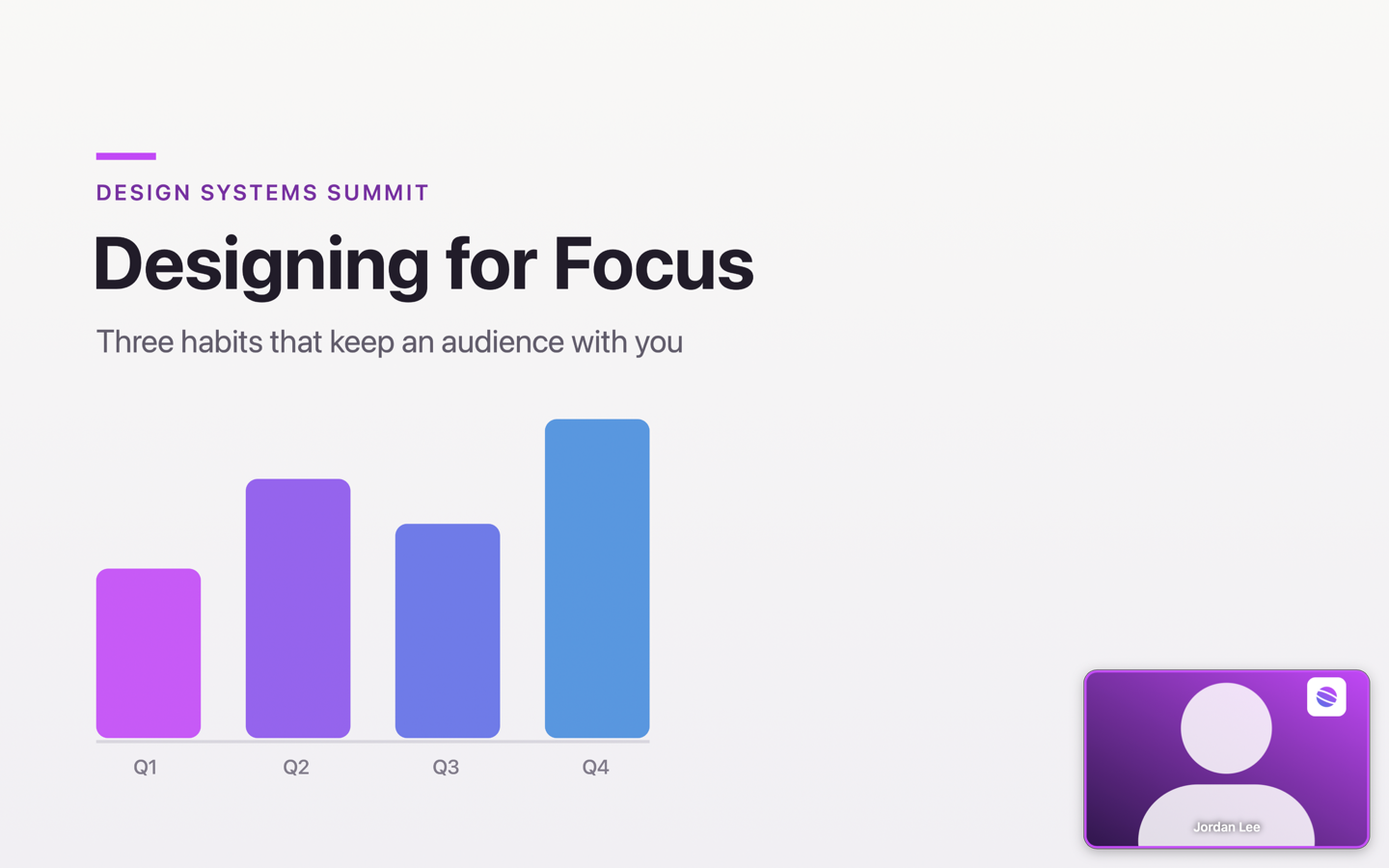
Keep your face on screen.
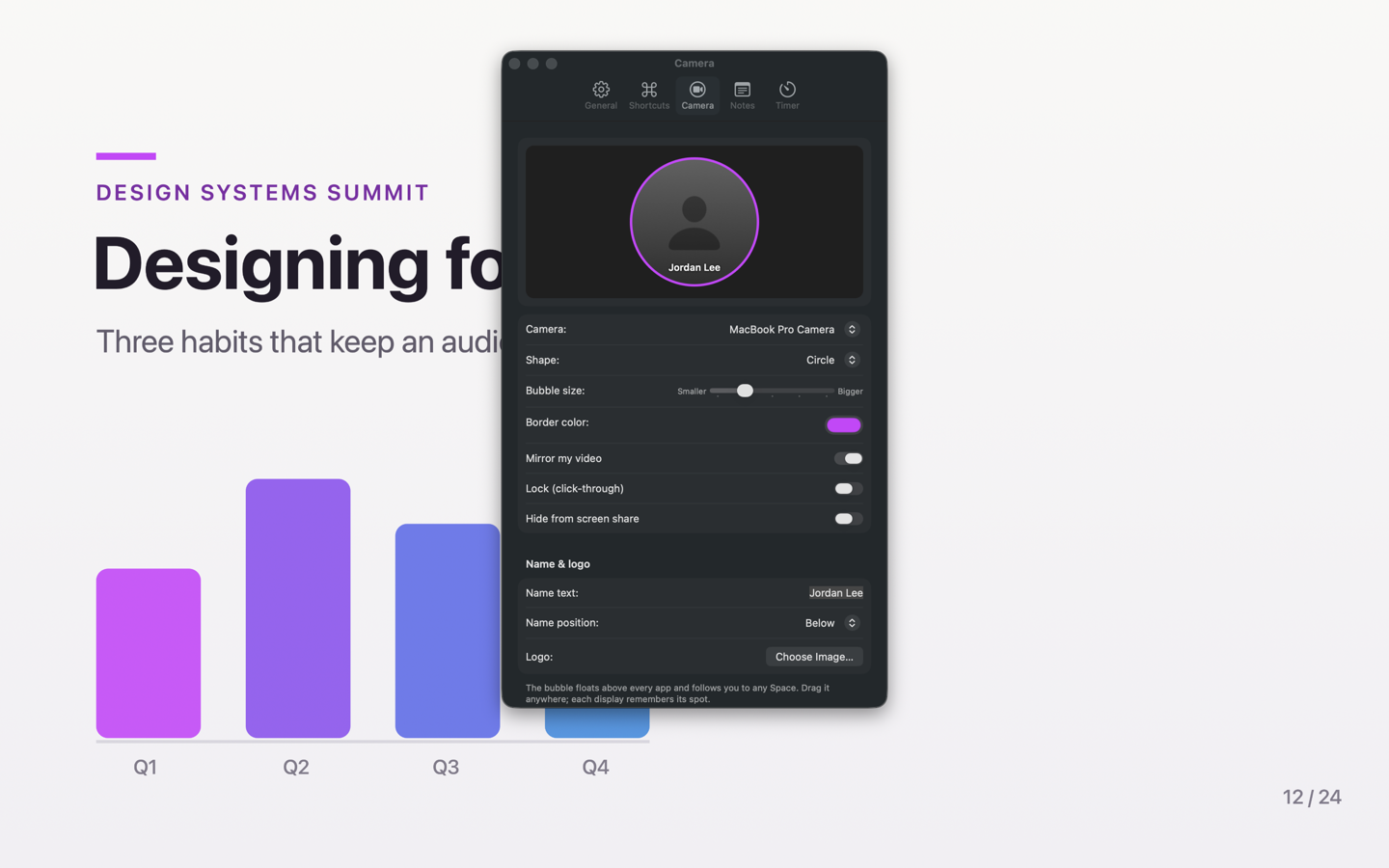
The moment you share your screen, you disappear. Pro Stage floats your webcam in a bubble that stays on top of everything — full-screen slides included. Pick a border color, flip mirroring, add your name or a logo, and lock it click-through so it never gets in your way.
Presenter notes
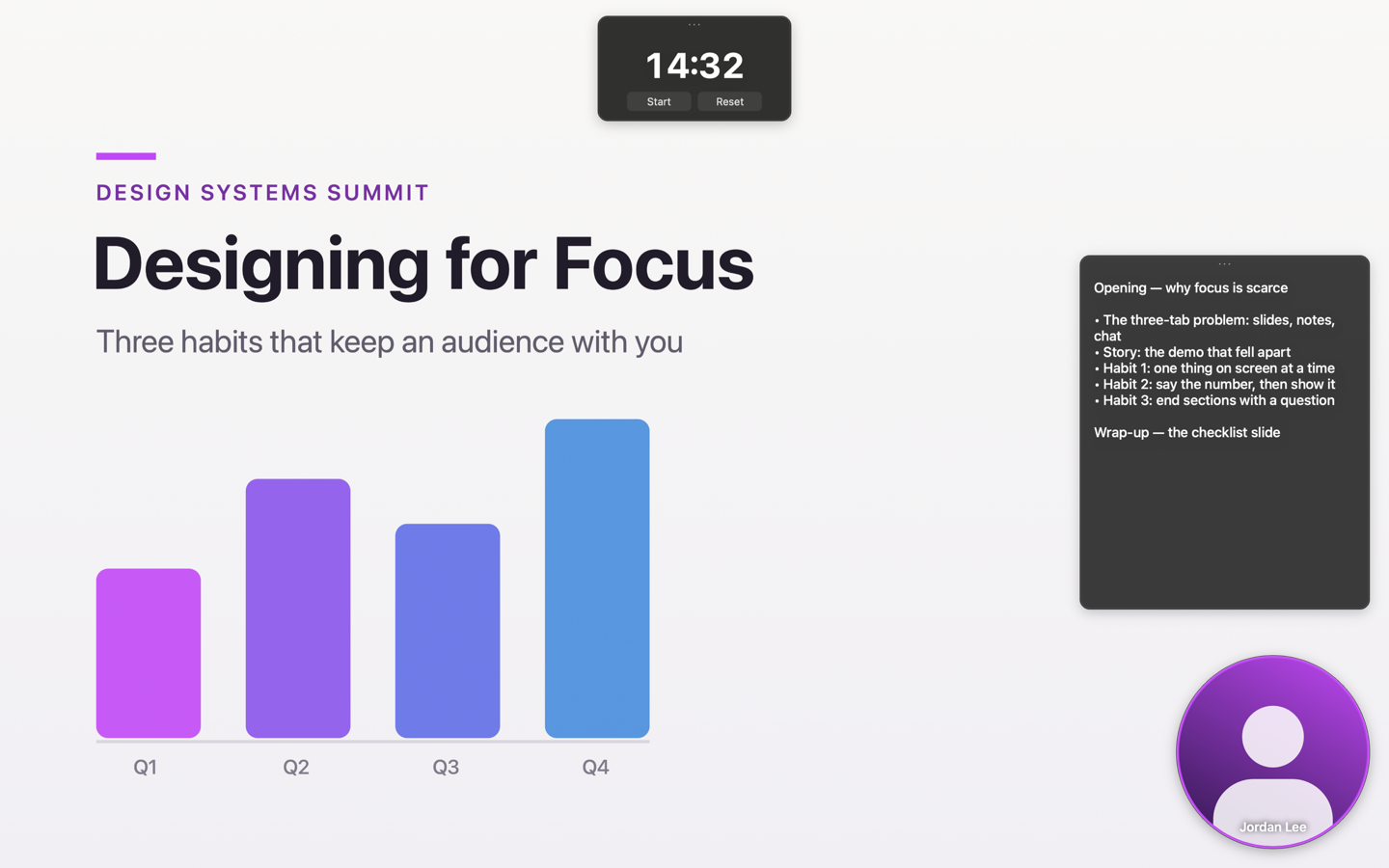
Your script, where you glance.
A translucent notes panel sits near your camera, so you glance instead of looking away. Edit in place, scroll hands-free with a hotkey, and tune the size and opacity. Pro Stage asks macOS to keep the panel out of screen sharing and recordings — your audience sees your slides, not your script.
Stage timer
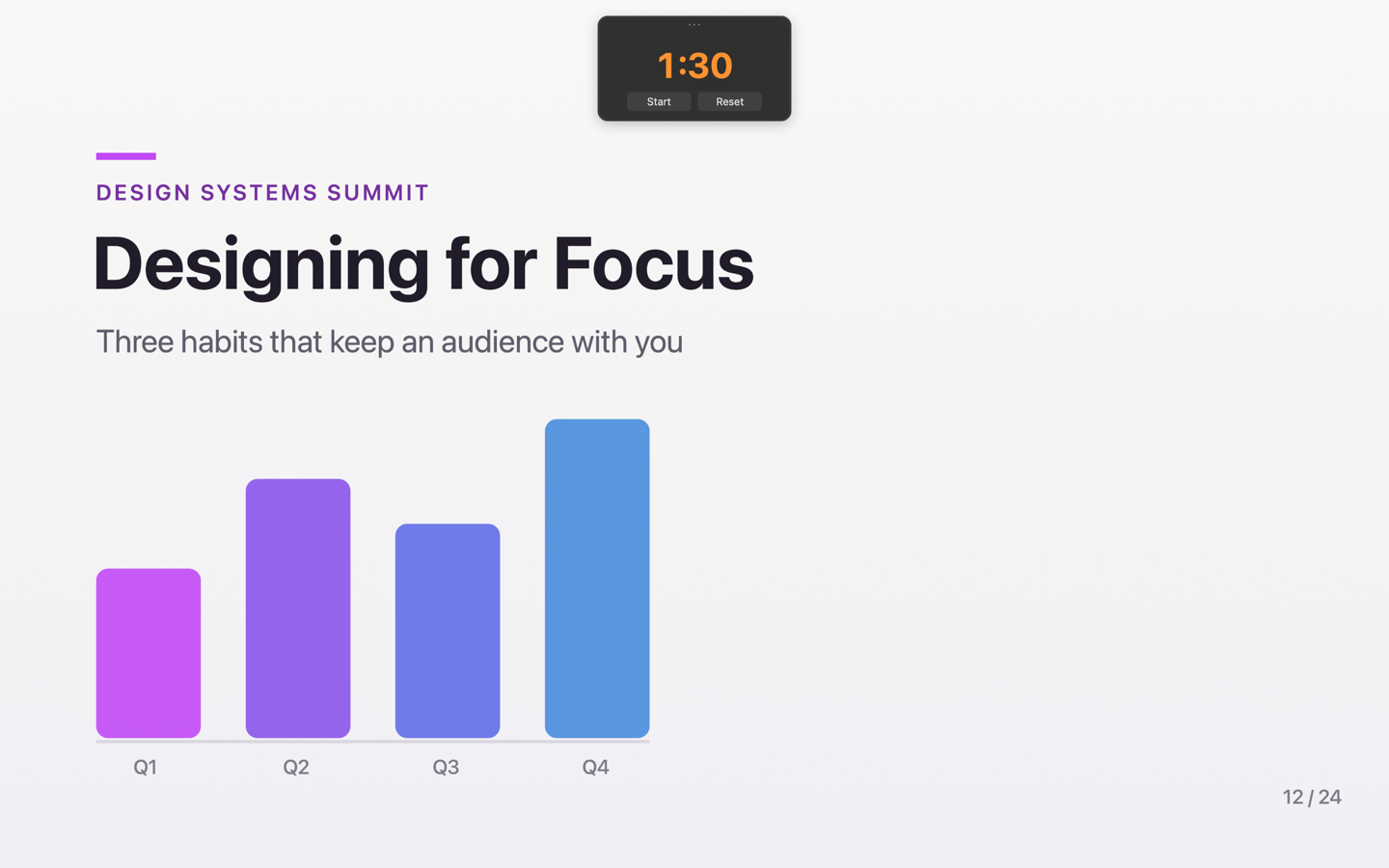
Land the ending on time.
A countdown you can read from across the room. White while you're cruising, orange when it's time to wrap up, red in overtime. Start, pause, and reset from the panel or the menu bar — and like your notes, it stays out of the capture.
Seven shapes
A bubble with personality.
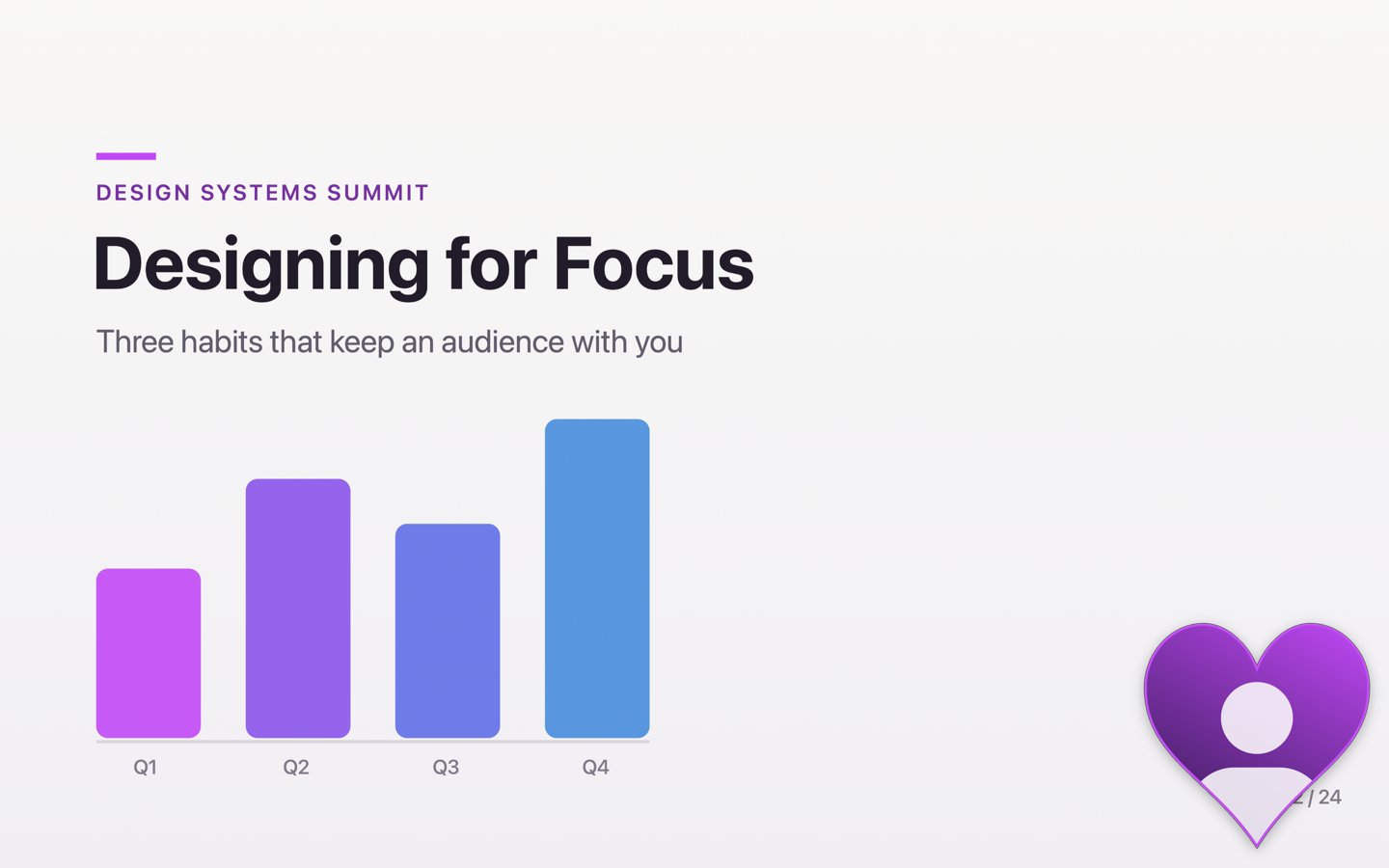
Circle, rounded rectangle, landscape, portrait — or heart, star, and cloud when the moment calls for it. Every shape keeps the same footprint, so switching never rearranges your screen.
Make it yours
Every detail, your way.
A live preview shows exactly what your audience will see — drag your logo right into position. Each display remembers where you put every panel.
- Border colors to match your brand
- Name & logo overlays
- Mirror toggle
- Click-through lock
- Works over full-screen apps
- Start at login
Hotkeys
Everything is one press away.
- ⌥⇧B Camera bubble
- ⌥⇧N Notes
- ⌥⇧T Timer
- ⌥⇧↓ Scroll notes
Every hotkey is customizable, and they work everywhere — no extra permissions needed. See the full guide →
Private by design
Your video never leaves your Mac.
No account. No analytics. No network. Pro Stage asks for exactly one permission — your camera — and uses it only to draw your preview on screen. Notes and the timer are hidden from screen sharing and recordings where macOS allows; here's exactly how that works.
Part of the Pro Presenter Toolkit. Pro Mouse highlights where you point — halo, zoom, spotlight, drawing, keystrokes. Pro Stage shows you. Together they're the whole show.
Meet Pro Mouse →Get Pro Stage.
One-time purchase on the Mac App Store. No subscription. macOS 13 or later.